
Welcome to TotalBrokerage!! We are here to help you succeed!
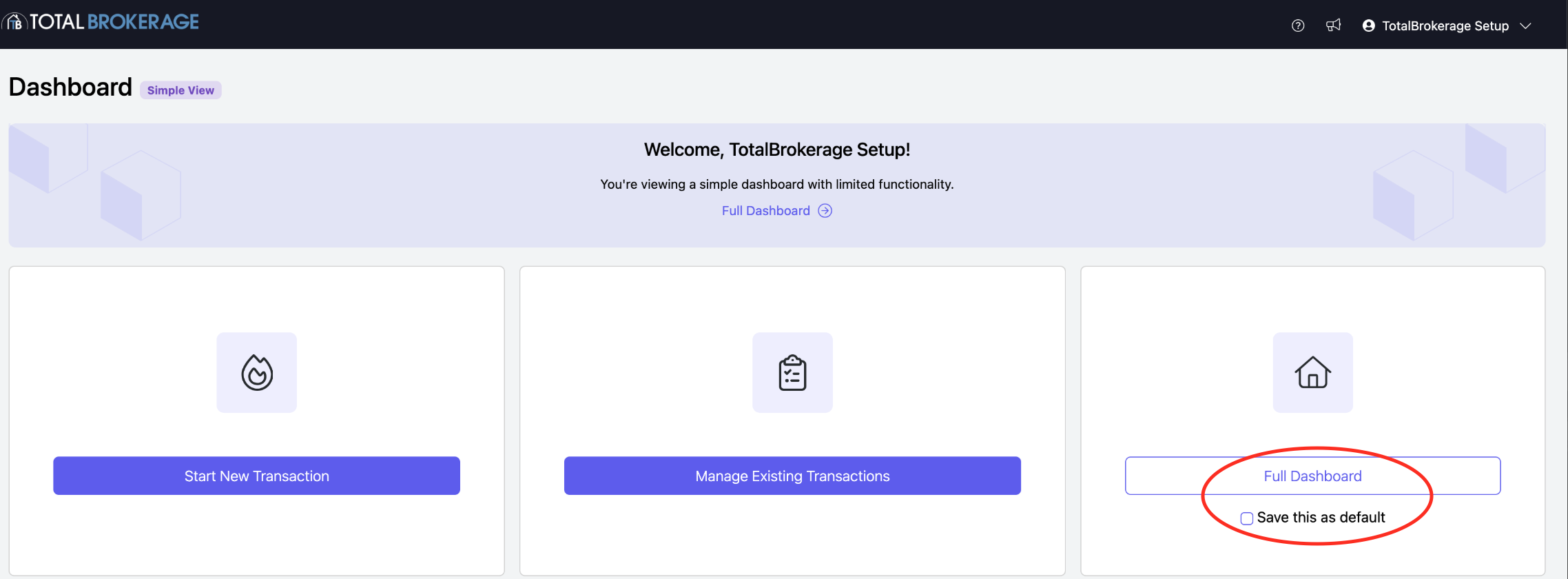
When you first log in, you will see the following.
To view the Full Dashboard, click the icon to the right.
Navigate to Full Dashboard to customize your TotalBrokerage platform.
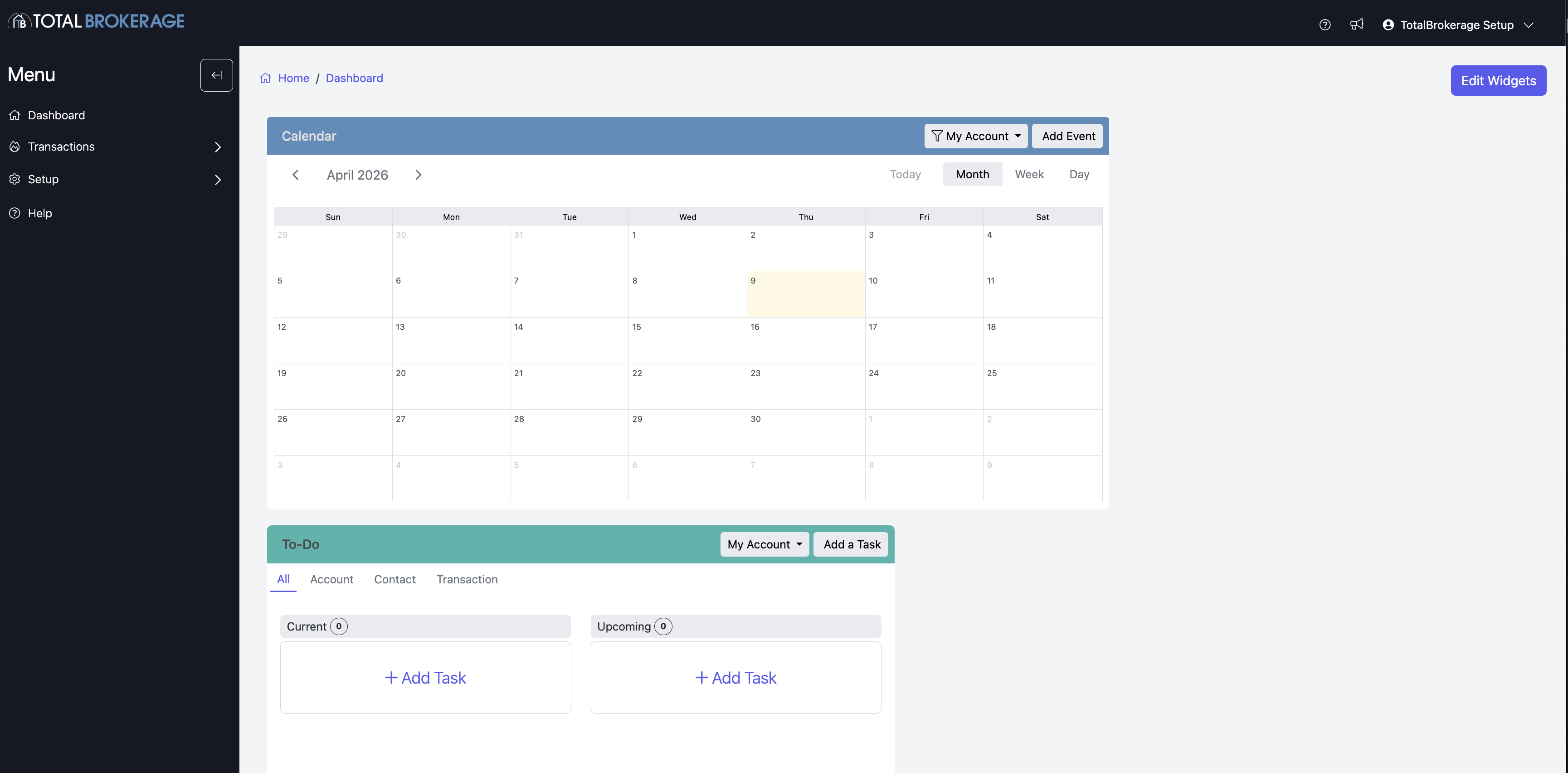
Simple Dashboard: This is your view every time you log into TotalBrokerage. You can change the default for all users from Setup > Brokerage. Each user also has the ability to select their default dashboard from their profile or upon login by clicking Full Dashboard and saving as their default.
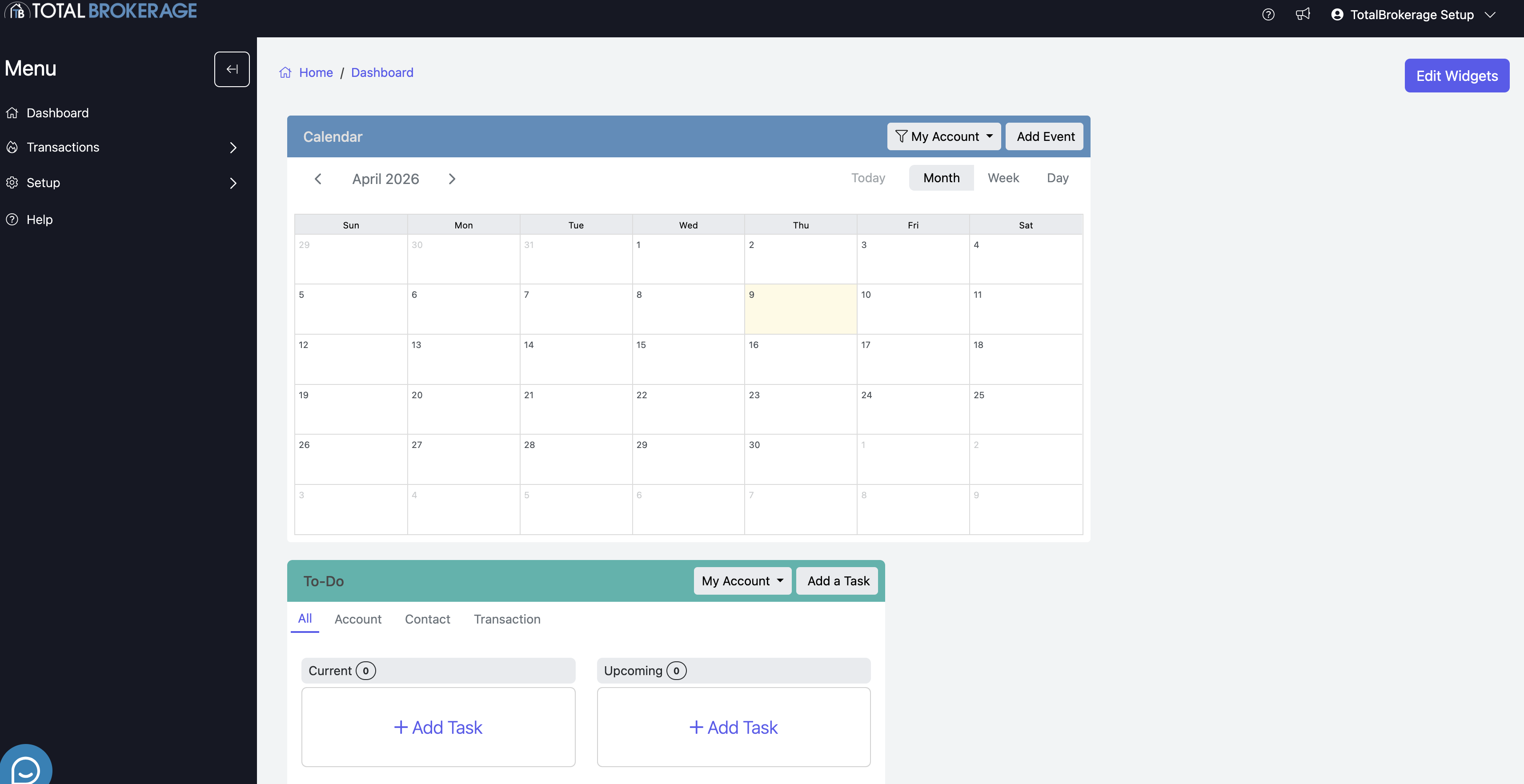
Full Dashboard: displays the following options:
- Calendar- Shows all the calendar dates from your contacts & transactions.
- To-Do- This list includes your tasks from the action plans and any tasks assigned to your account.
- Widgets- Displays information about your usage in TotalBrokerage that can be personalized for your viewing and monitoring.
LET'S GET STARTED!
To begin, go to Setup to customize your platform.
SETUP- The setup tab is used to personalize your TotalBrokerage.
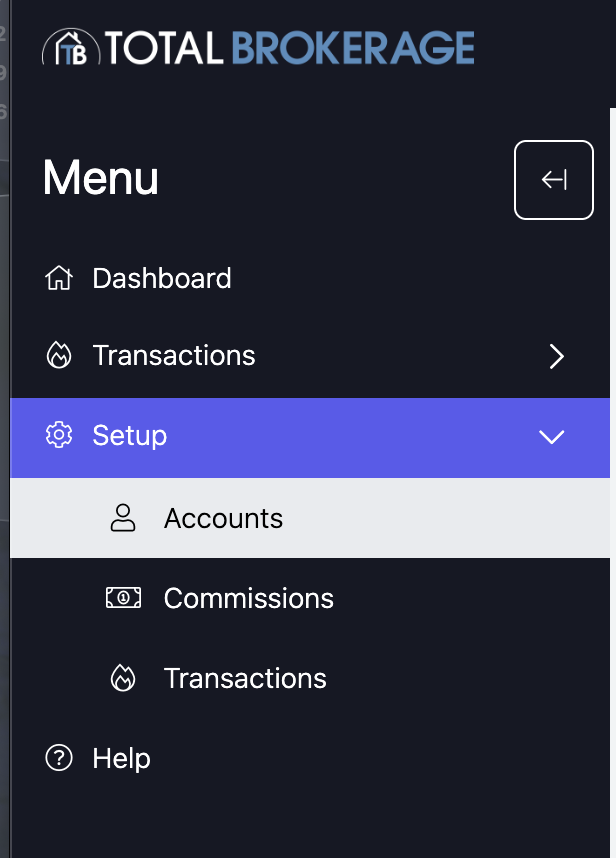
- Accounts- You can create and add new accounts or disable accounts.
CLICK HERE for Adding or Editing Account Instructions.
- Commissions- You can create and set up commission & fee plans.
CLICK HERE for Creating Brokerage Commission and/or Fee Plan Instructions.
- Transactions- You can add or create templates to use within your transactions.
CLICK HERE for Status setup instructions.
CLICK HERE for Checklist (Compliance) setup instructions.
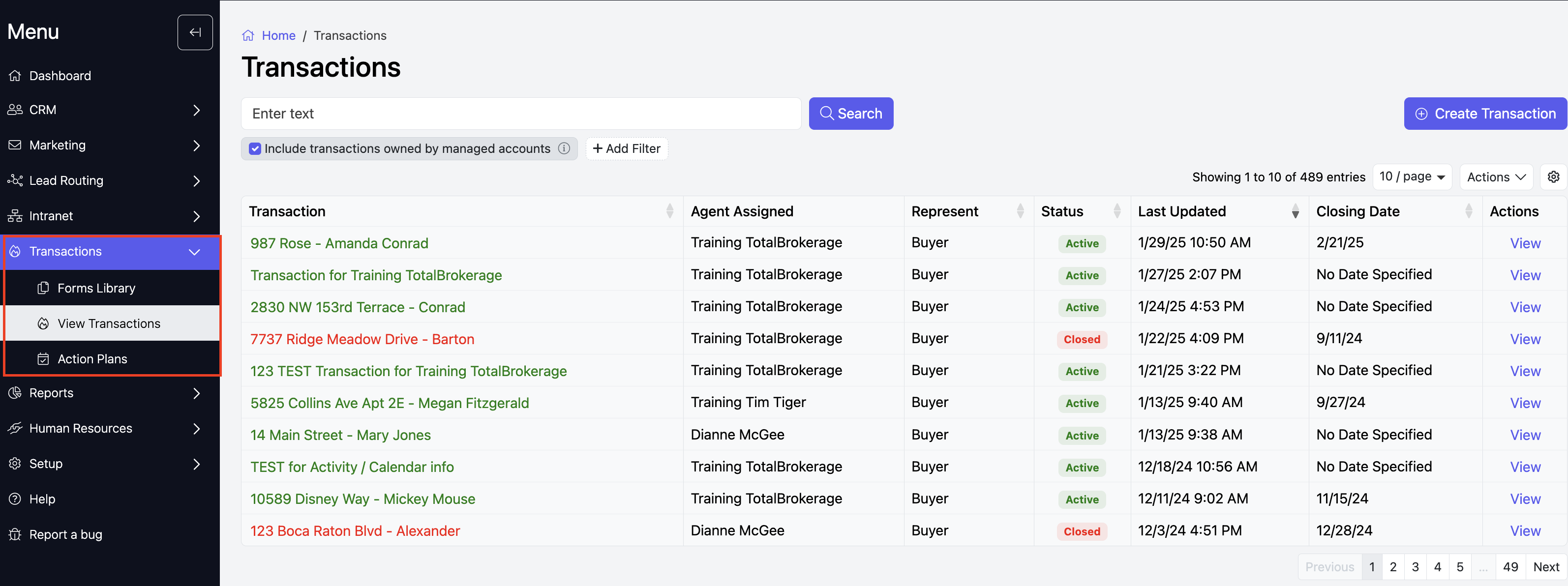
TRANSACTIONS- The transactions tab is where you manage your transactions for contacts.
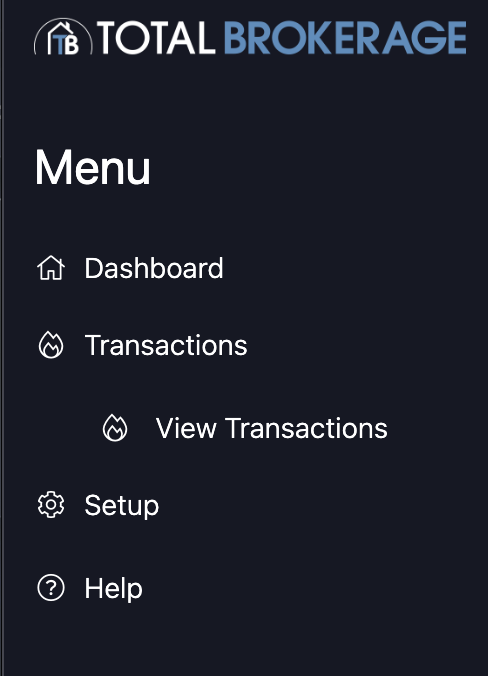
View Transactions- Here, you can see and track the transactions you have created. (As seen below)
Create a Transaction
CLICK HERE for Creating a transaction instructions.
CLICK HERE for Working within a Transaction instructions.
CLICK HERE for Transaction Tabs instructions.
Compliance Review - Managers who have the role of Brokerage Compliance Officer will have the ability to Review, Pass and Fail review requests.
Notification: You will receive an email letting you know that a review request has been submitted as long as you have enabled this notification within your profile.
CLICK HERE for My Profile instructions.
DASHBOARD WIDGETS - if you select to use the Full Dashboard, you will be able to add Widgets which will allow you to track transacation information for the Brokerage and/or specific Accounts (agents).
CLICK HERE for Adding and Editing Dashboard Widgets instructions.
For questions, please email Support@TotalBrokerage.com.
To access the complete TotalBrokerage Knowledge Base, CLICK HERE
Schedule Your Complimentary Onboarding Session
Once you’ve explored TotalBrokerage, schedule a complimentary 30-minute meeting with our team. We’ll answer your questions and help you get started.
When you’re ready, use THIS LINK to choose a convenient day and time.