
If you're the Transaction Owner, you can sign documents directly from the Document Editor without leaving the document or creating a separate signature request.
This makes it faster and easier to complete documents that require your signature.
Steps
- Open the transaction and select the document you need to sign.
- Open the document in the Document Editor.
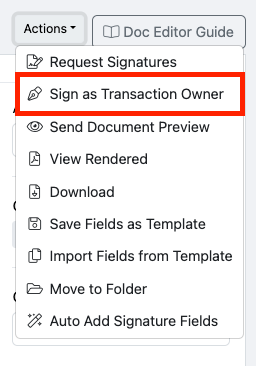
- Click Actions.
- Select Sign as Transaction Owner.
- Follow the prompts to complete your signature. You may select to Draw or Type.
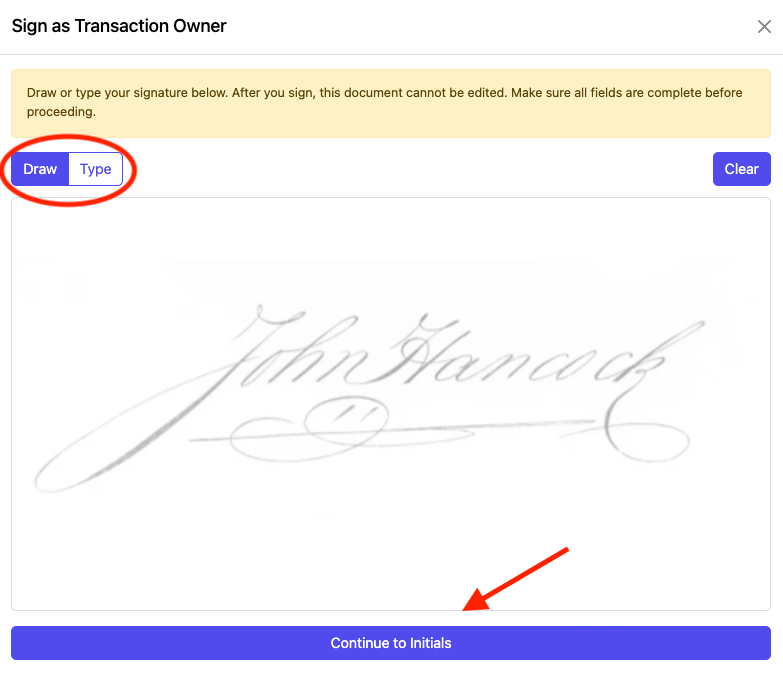
- Click Continue to Initials.
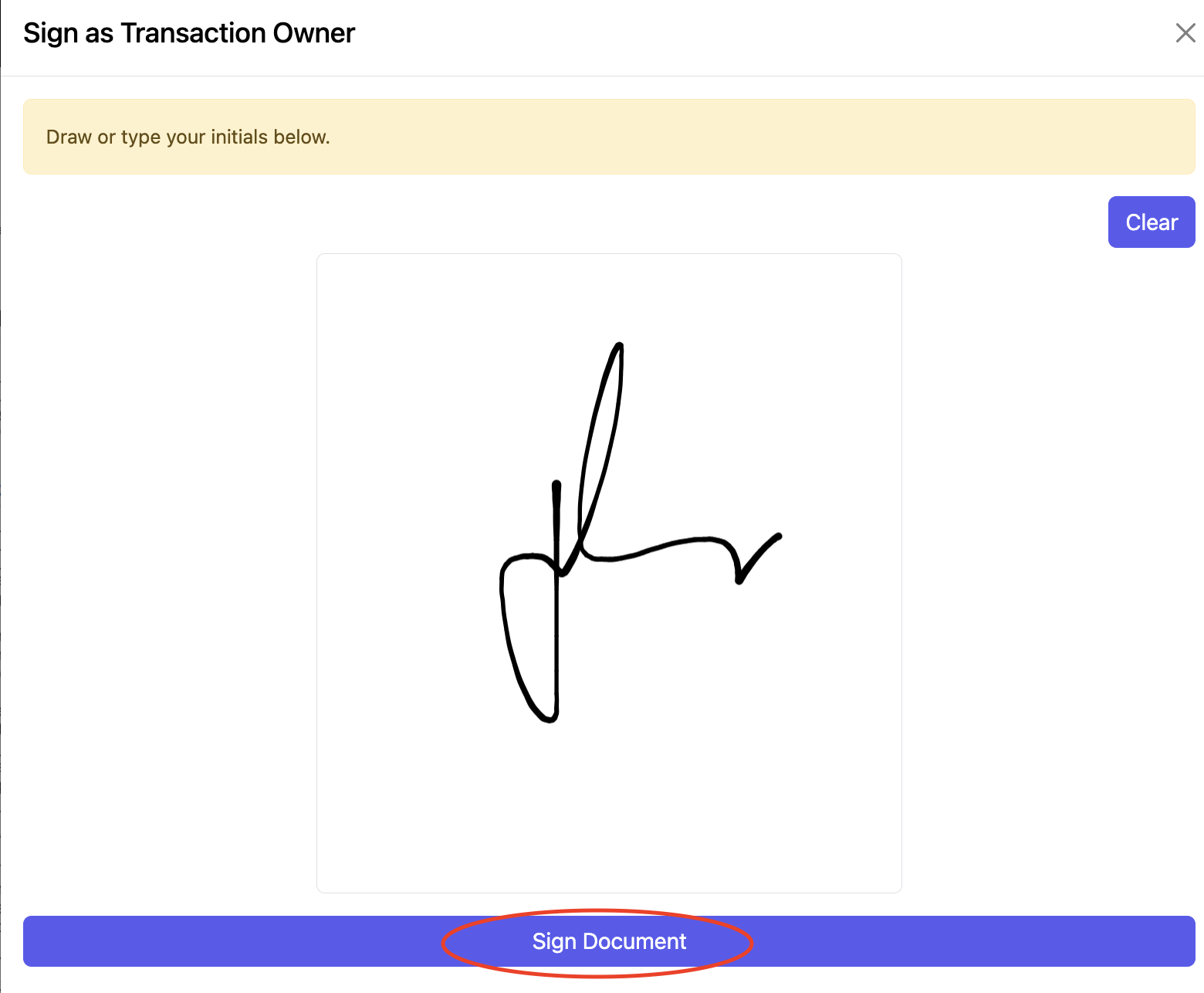
- Once completed, click Sign Document.
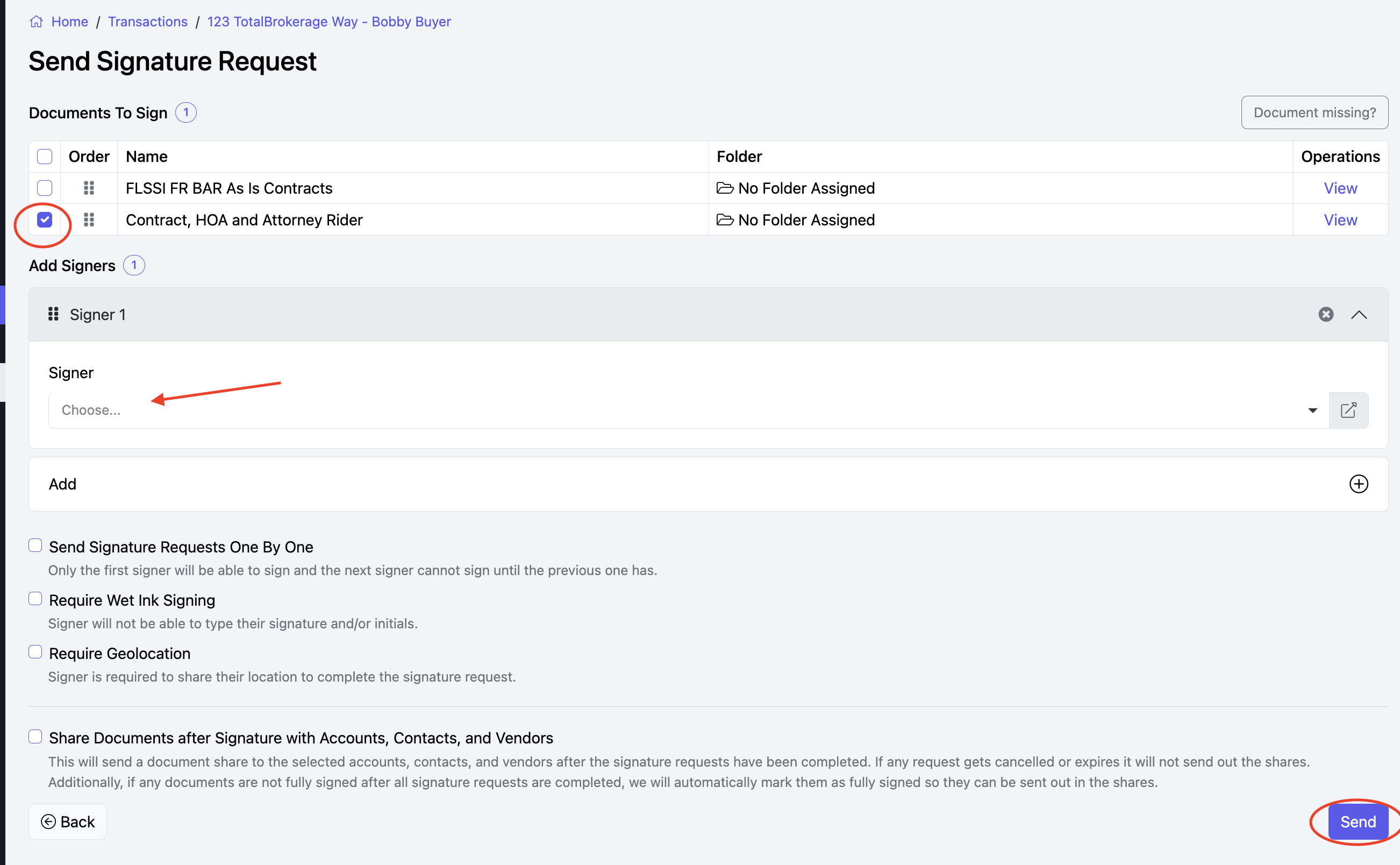
- If needed, you can add other signers.
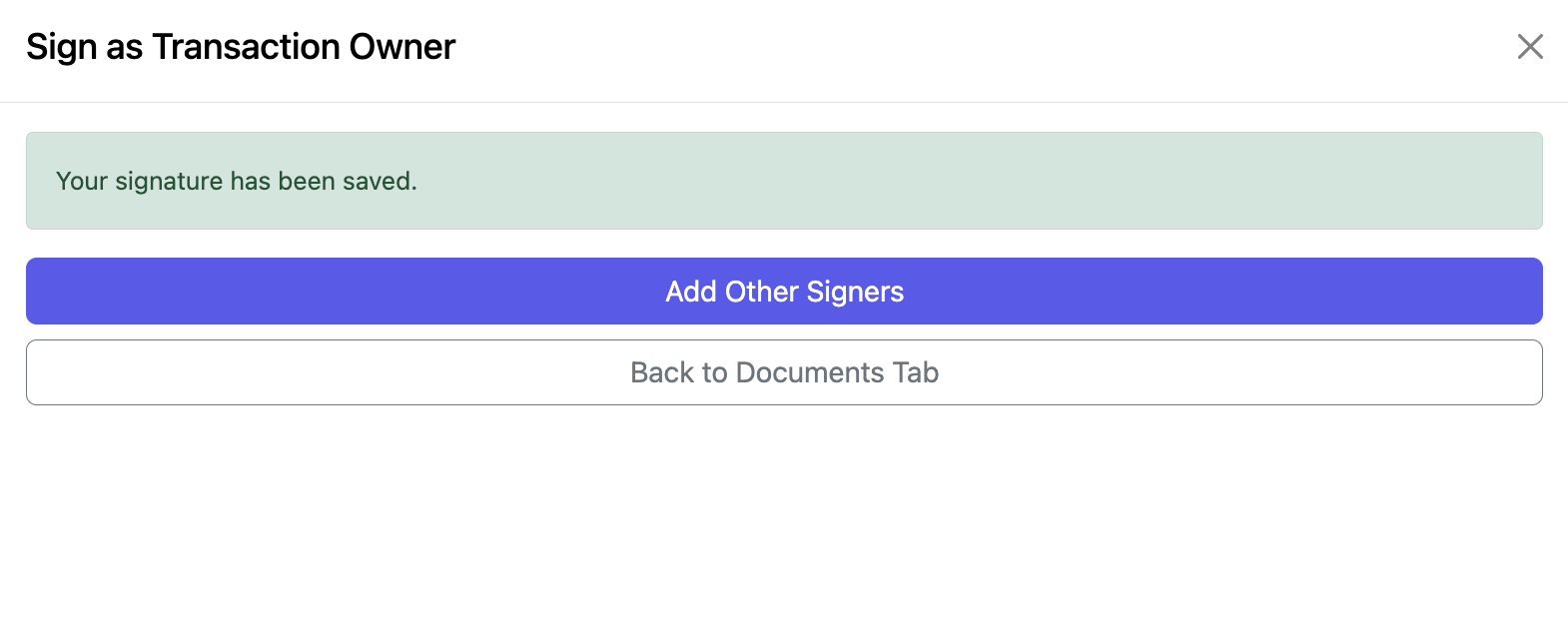
- When adding additional signers, the document already signed by the Transaction Owner will be selected and you can also add additional documents for signature if needed. Once finished, click Send.
Notes
- The Sign as Transaction Owner option is only available to the Transaction Owner.
- You can sign directly from the Document Editor without sending a separate signature request.
- This feature is intended for documents that require the Transaction Owner's signature.
CLICK HERE to review General Signature Request information.