

HELP DESK / ACCOUNTS
Export or email agent accounts
Use the Accounts list to export agent information or email multiple users.
Step 1. Find the accounts
Go to Setup → Accounts. Search or filter for the accounts you need. Before emailing, select the intended recipients and review who is selected.
See Account Search for help finding accounts.
Step 2. Export agents to CSV
Select Actions → Export. TotalBrokerage emails a CSV with agent names, email addresses, last activity dates, offices, and Human Resources details.
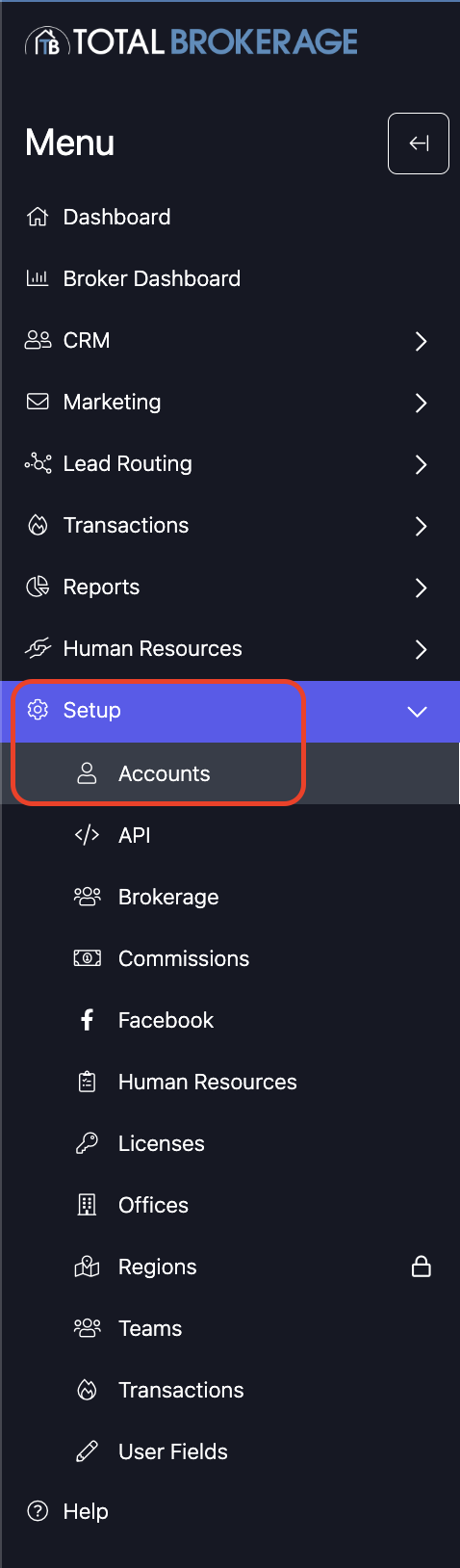
Select the screenshot to open it full size in a new tab.
Step 3. Send a bulk email
Managers and HR users can select Actions → Send Email with the intended accounts selected.
Compose the message or choose an existing template.
Create any new template in Marketing → Templates before starting.
You can send a test email to review it.
When ready, select Send.