If a document has already been Signed, you can create a signing certificate to verify the document’s signature.
To create a certificate:
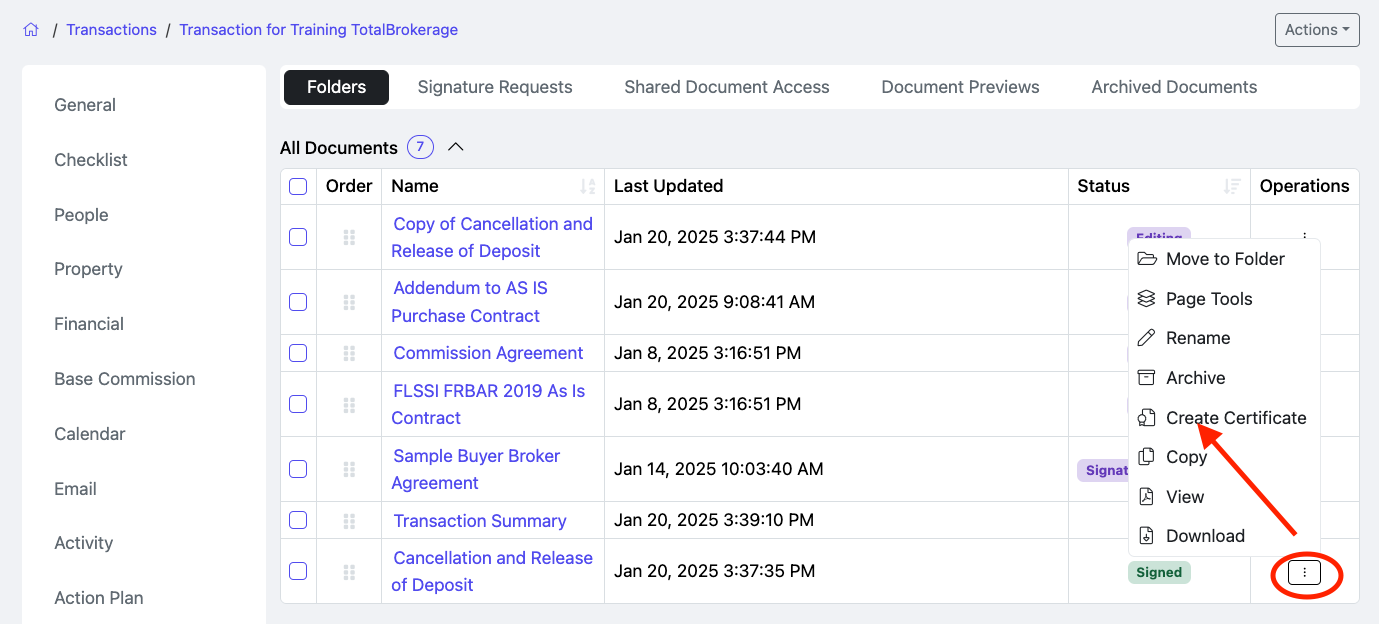
- Locate the signed document.
- Click the 3 dots in the Operations column.
- Select Create Certificate.
The signing certificate pdf will be generated with the details to verify the document’s signature.
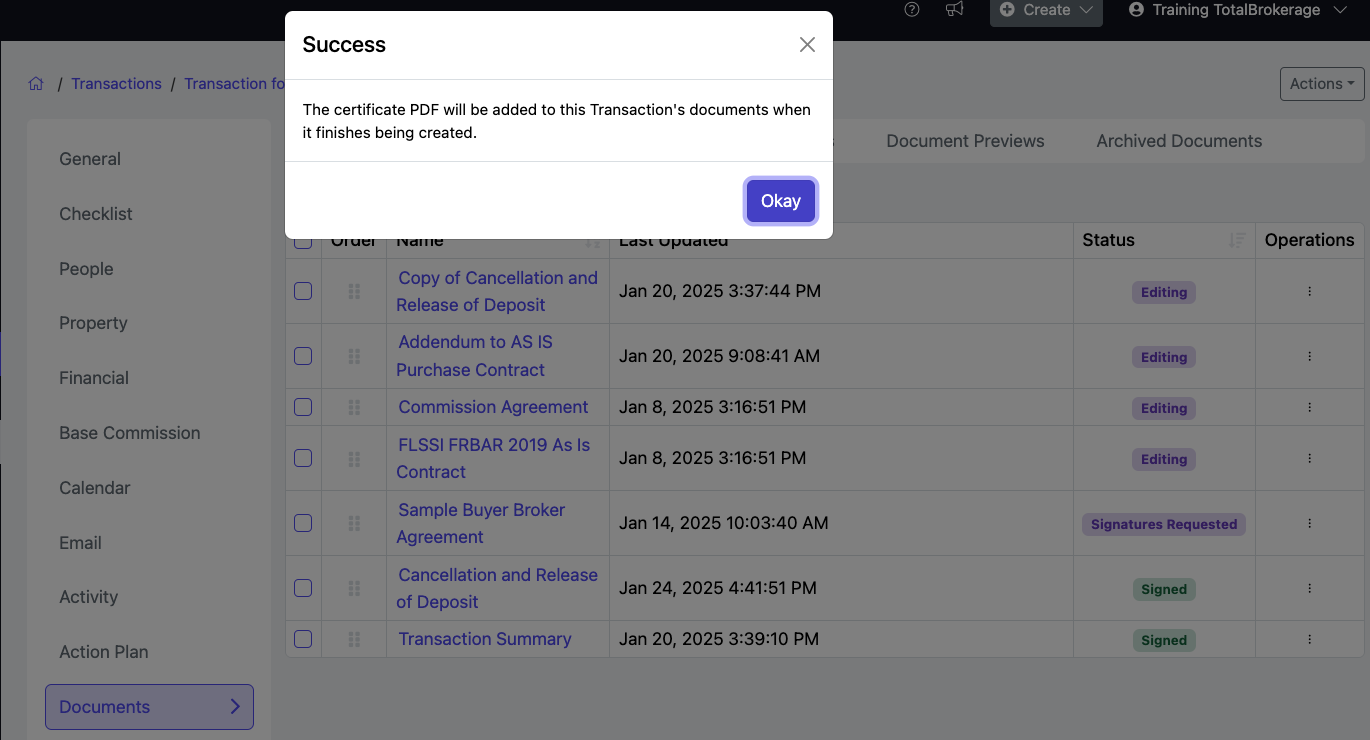
That’s it! Now, a message should pop up confirming that a signing certificate PDF will be available to this transaction document. Click “Okay” to close.