
You can perform a basic or filtered search for HR forms and view your existing forms.
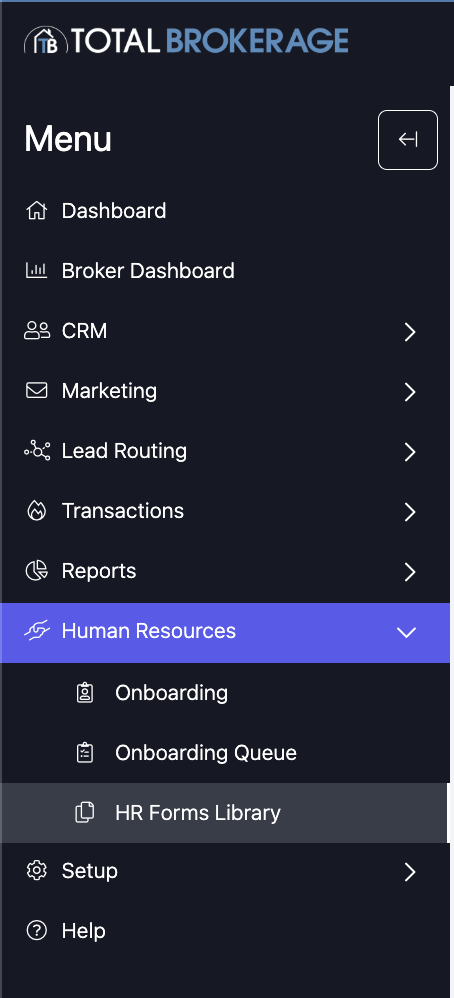
Go to HR Forms Library – Click Human Resources > HR Forms Library from your dashboard.
Basic Search
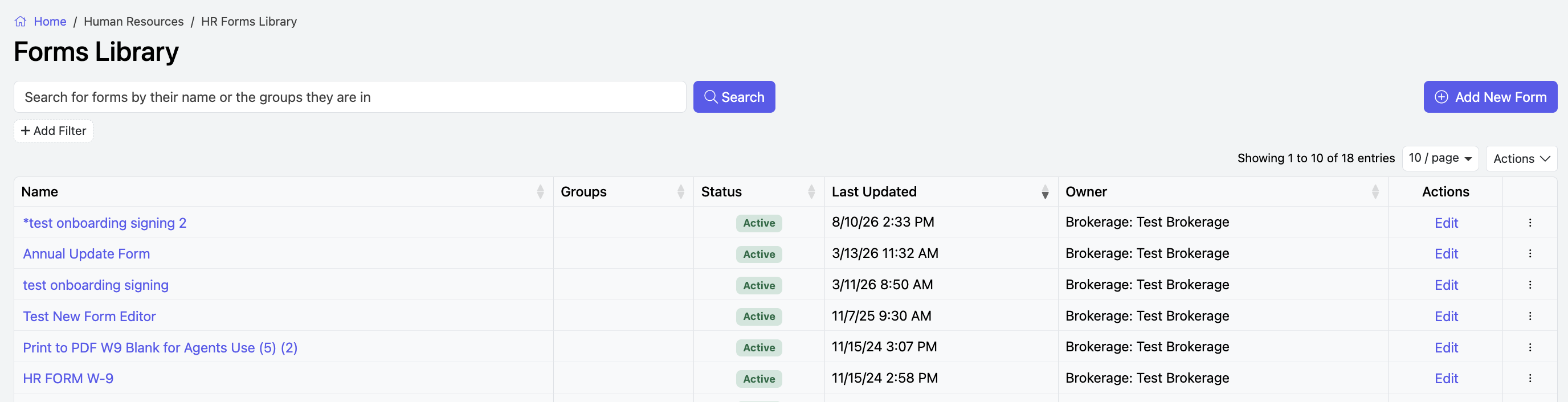
Search by Name – Type the name of the form in the search box at the top.
Click Search – Press the Search button to find the form by name.
Filtered Search
Use + Add Filter to refine your search by:
Form Name
Form Status
Level of Ownership (Brokerage or Office)
Assigned Groups
Click Apply when done adding Filters.
Click Search