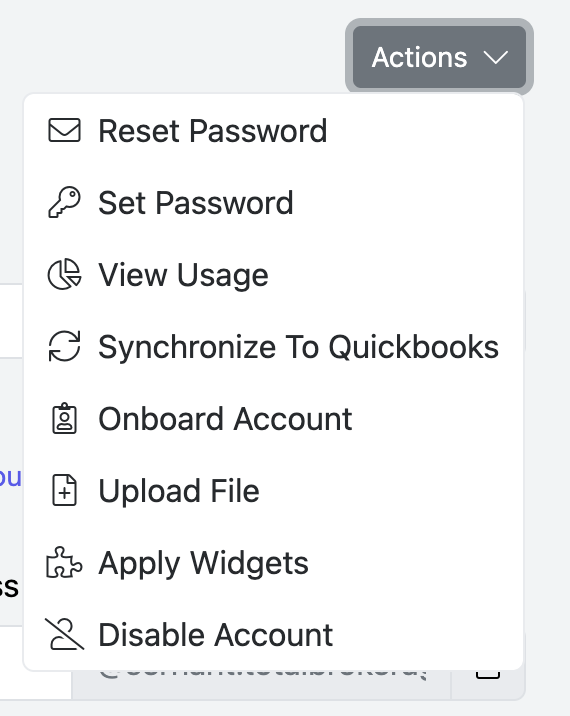
To synchronize agents with QuickBooks, go to Setup → Accounts.

Bulk Synchronize Accounts:
You can synchronize multiple agents at once:
- Use 'Add Filter' to narrow the results if needed.
- Click Actions.
- Select Synchronize to QuickBooks.
You will receive an email when all the agents are done being synchronized.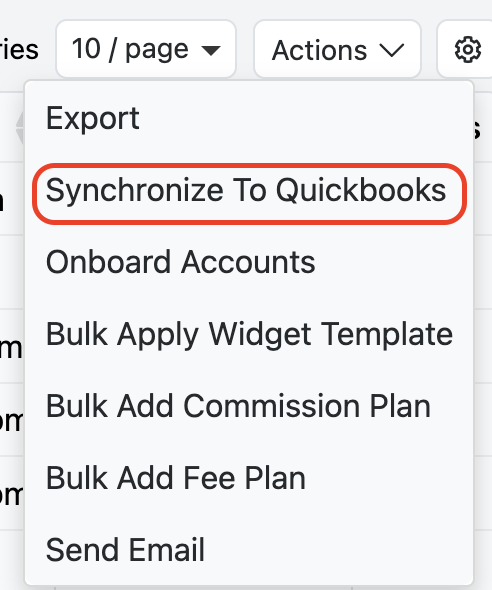
Synchronize an Individual Account:
You can also synchronize users individually.
- Click on the Account Name.
- Click Actions.
- Select Synchronize to QuickBooks.
They synchronization will begin immediately, and you will not receive an email notification.