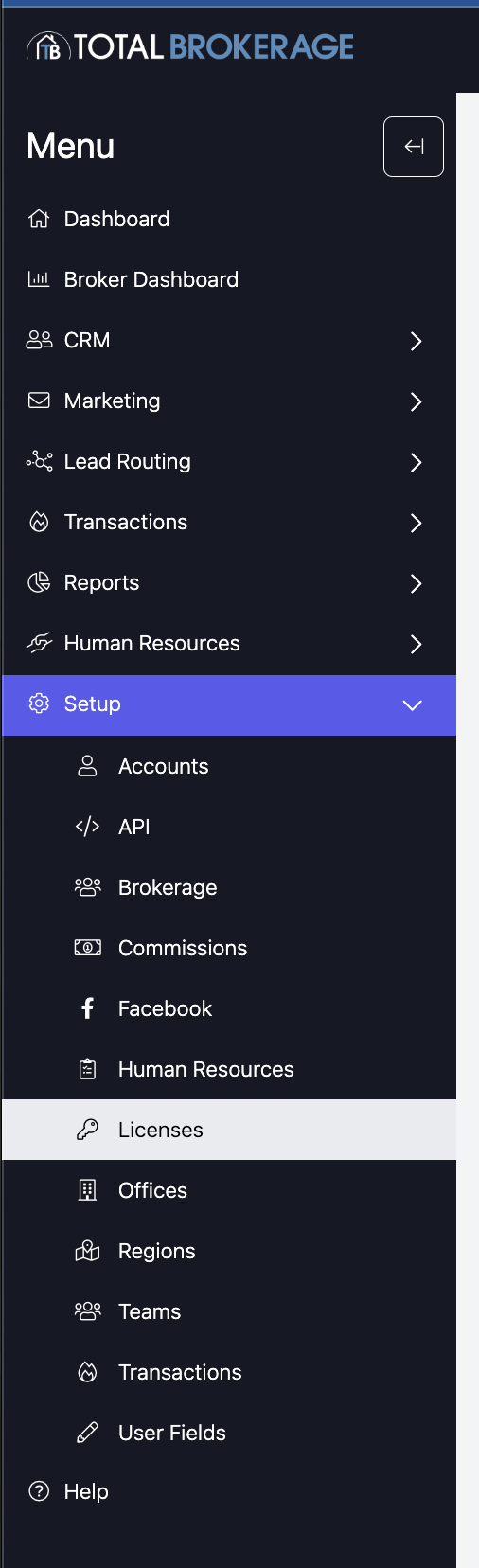
Navigate to Setup → Licenses from your dashboard.
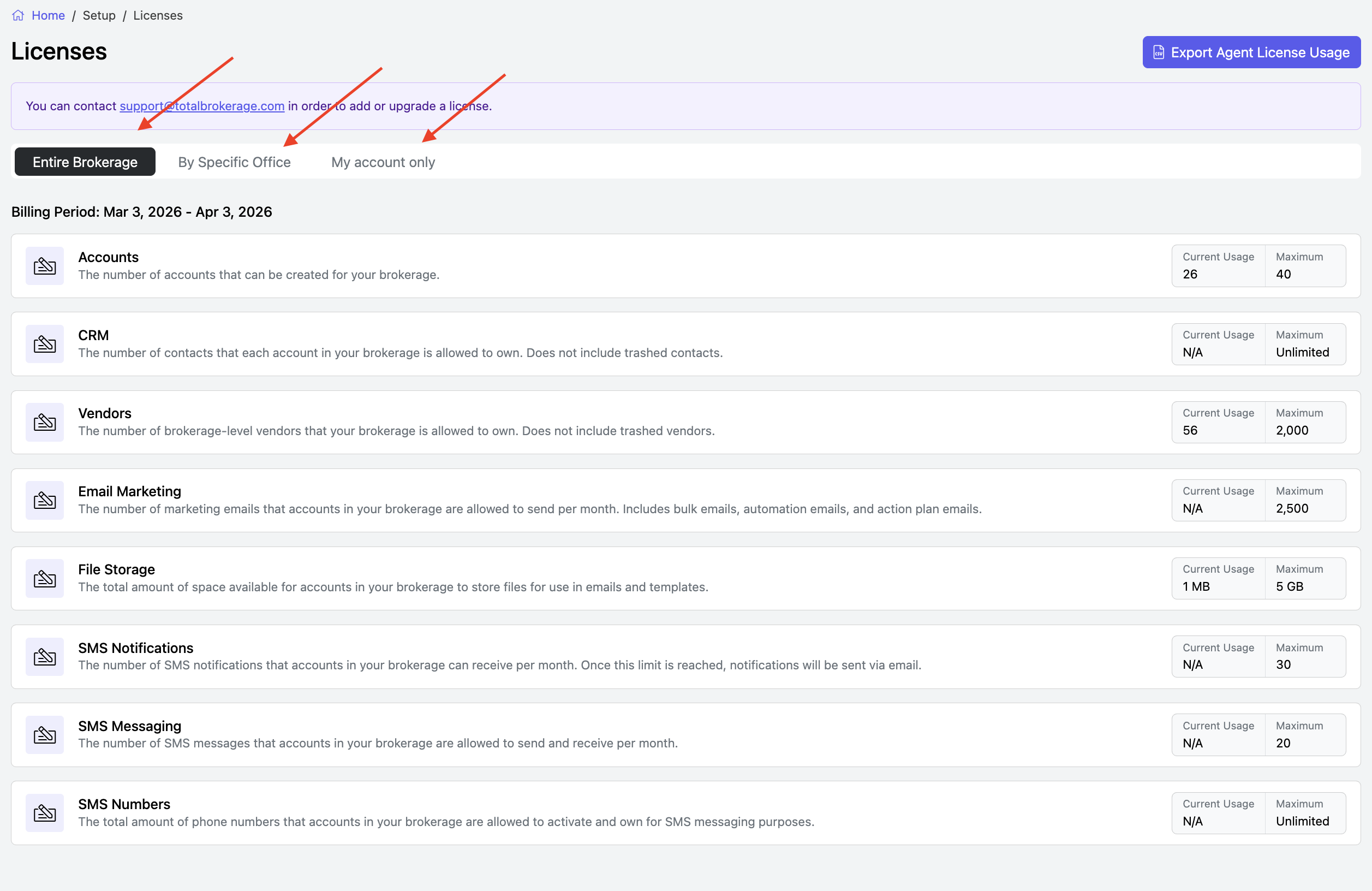
On this page, you can view the current license usage for your brokerage, offices, and accounts.
- Brokerage Managers can View & Export license usage for all accounts within the brokerage.
- Office Managers can View & Export license usage for accounts within their assigned office.
- Accounts can only view the information.
To check license usage:
- Select the type of usage you want to view (Brokerage, Office, or Account)
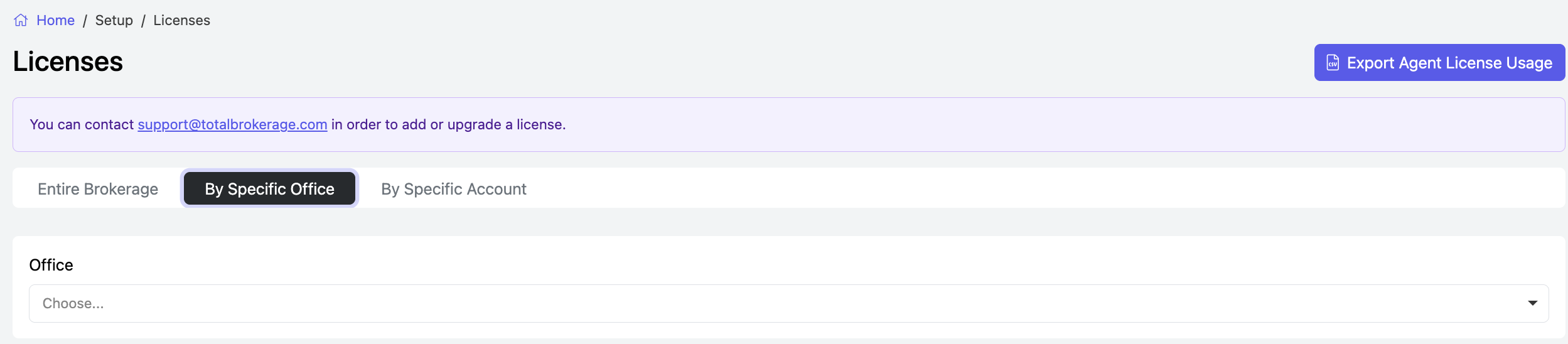
- Specify the Office or Account you want to review by clicking on the tab. Then type where it says 'Choose' or use the dropdown to make your selection.
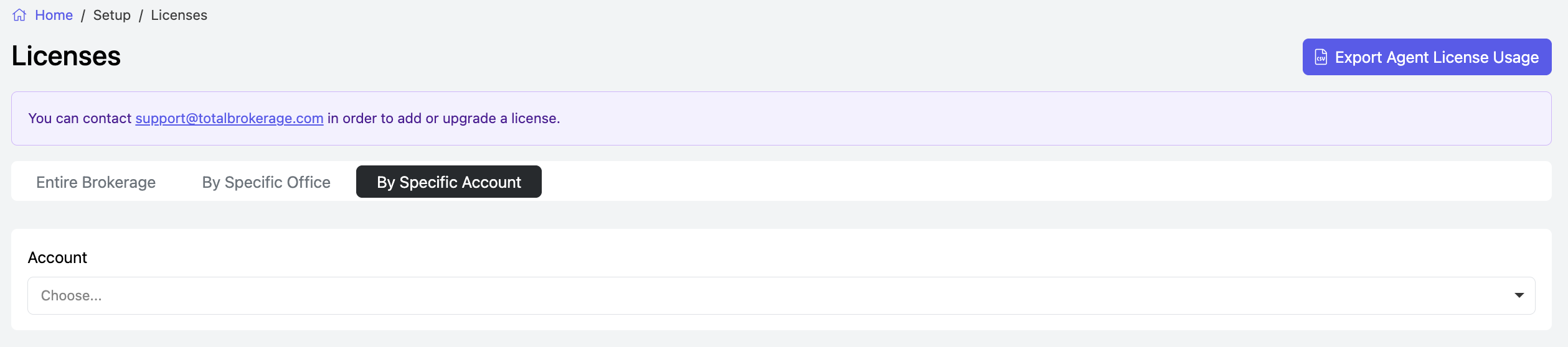
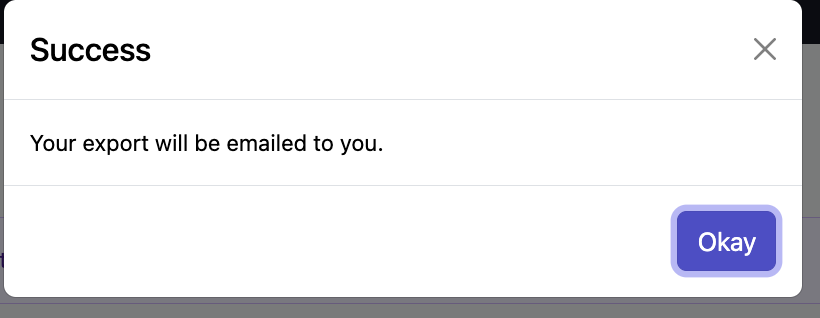
- You may also Export the data to a csv file and it will be emailed to you.