Easily find any image you've uploaded to TotalBrokerage by following these steps.
Accessing the File Browser
- Log in to TotalBrokerage.
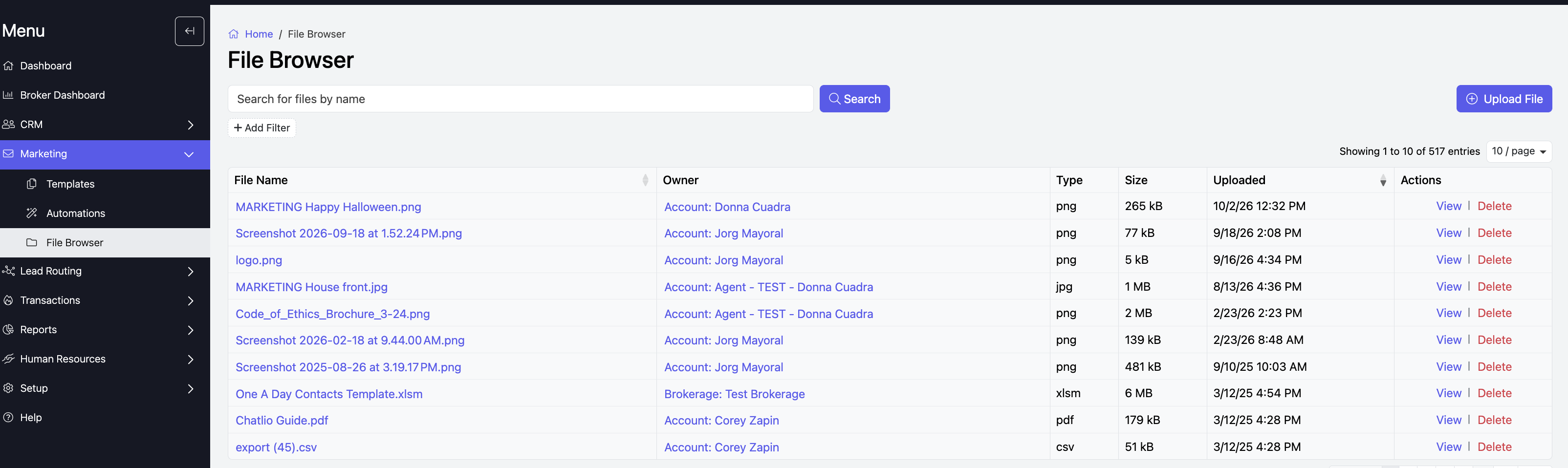
- Navigate to “Marketing” > “File Browser” from your dashboard.
Basic Search
- In the “Searh box”, type the name of the file you’re looking for.
- Click “Search” to display results.

Advanced Search
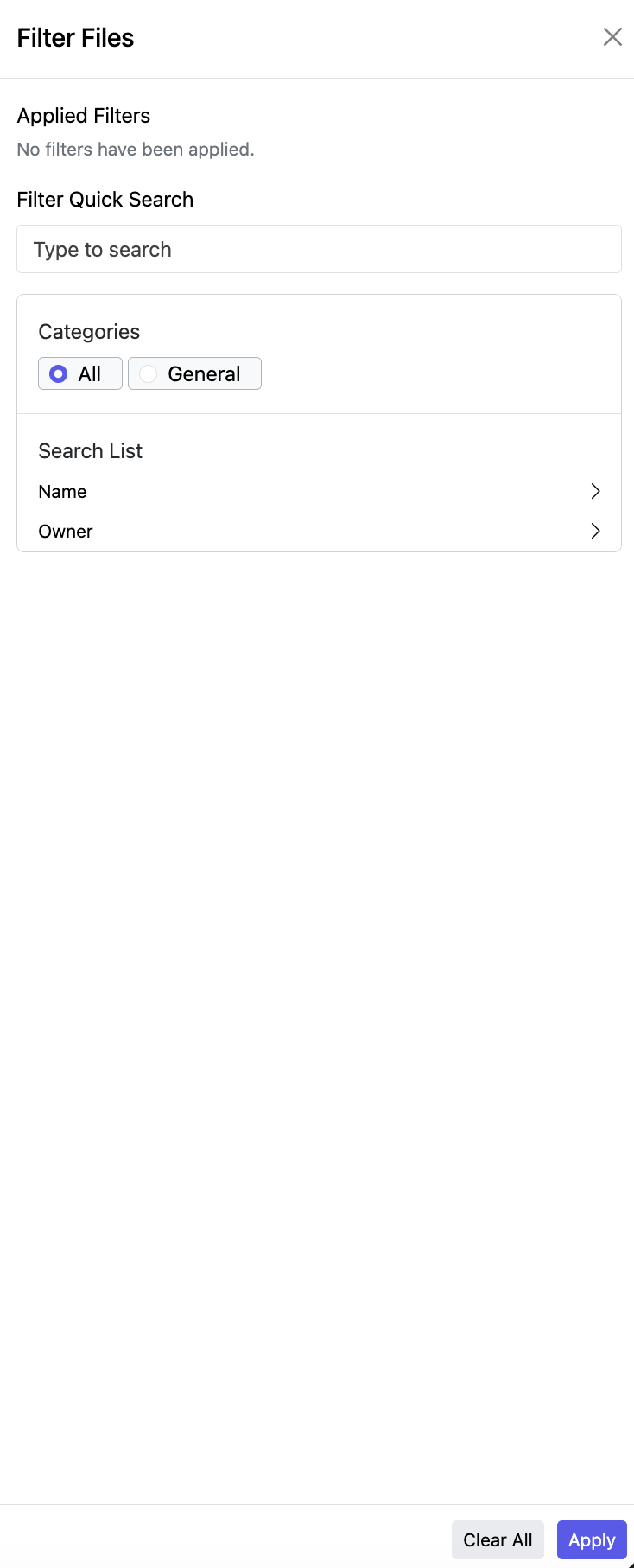
- Click the “+ Add Filter” below the “Search” box.
- Enter the file name or select the office or account associated with the file.
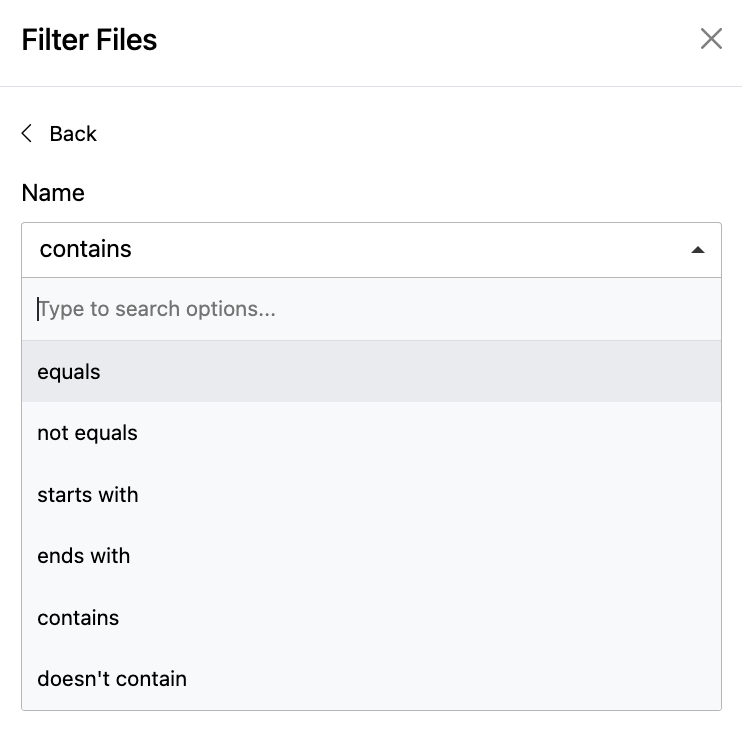
- In the Name field, refine your search using the following options:
- Equals
- Not equal
- Starts with
- Finishes with
- Contains
- Does not contain
- Click “Apply” to display results.